There are few things more annoying than losing a productive writing streak. The words are coming thick and fast, a notification lights up your screen, and before you know it you’re three tabs deep into something unrelated to your book. Studies suggest it can take twenty minutes or more to get back into deep focus. For a novelist, that cost compounds across every writing session, every week, for the months or years a book takes.
A distraction-free writing app is software designed to solve exactly that problem. It strips away the visual clutter, notifications and tab-switching temptations that fragment your attention — leaving you with nothing but a blank page and your words.
What “distraction-free” actually means
Plenty of apps claim the label. Fewer deliver it. A genuinely distraction-free writing environment has four properties:
- A clean, minimal interface. No formatting ribbons competing for your eye, no sidebars of options. When you write, all you should see is your words.
- A true focus mode. The interface itself fades out while you work, reappearing only when you ask for it.
- No interruptions by design. No pop-ups, no upsells, no badges begging to be cleared, no “engagement” features pulling you out of the page.
- Nothing to configure before you can start. If you spend your writing session adjusting the tool, the tool is the distraction.
What it is not: a website blocker (useful, but a different job), a Markdown code editor (built for developers), or an AI text generator that writes for you. The point of distraction-free writing is that you do the writing — the app simply protects the space you do it in.
Why distraction-free writing apps work
Deep focus is the working state long-form fiction requires. Holding a plot thread, a character’s voice and the rhythm of a sentence in your head at once is fragile work. Every context switch — a glance at email, a badge on an icon — forces your brain to rebuild that mental model from scratch.
“Once that focus is broken, it can take more than twenty minutes to fully recover it.”
A dedicated writing environment closes the loop before it opens. No formatting menus calling for attention. No browser one keystroke away. Writers who switch to a focused tool typically report the same two changes: sessions get longer, and the dread of starting gets smaller — because sitting down to write no longer means sitting down to resist the entire internet.
What novelists should look for
General minimalist editors are fine for blog posts. A novel is a different beast — a hundred-thousand-word project you’ll live with for years. Beyond minimalism, look for:
- Sync across every device you own. Novels get written in stolen moments — the sofa, the train, the desk. If your book is trapped on one machine, you’ll lose those moments. Look for real-time cloud sync that also works offline.
- Word count goals and progress tracking. A novel is too big to finish on inspiration alone. Daily word counts and long-term statistics turn “write a book” into “write 500 words today.”
- Safety nets. Automatic saving as you type, version snapshots, and backups. Losing a chapter once is enough to never trust an app again.
- Gentle proofreading, on your terms. Grammar and spelling suggestions you can toggle on or off — help when you want it, silence when you don’t.
- Real export formats. DOCX for your editor, EPUB for your ebook. Your manuscript should never be locked in.
- No AI generators. If an app can write your book for you, it will spend every session tempting you to let it. Serious writers increasingly avoid them entirely.

Draft your novel in Narrative
Narrative is a distraction-free novel writing app: a minimalist editor with focus mode and dark mode, real-time sync across iPhone, iPad, Mac, Windows, Android and web — offline too — word count goals with daily, weekly and monthly statistics, and notes attached to your project or chapters. No AI generators: your draft stays entirely yours.
Start NowHow Narrative keeps you in the zone
When you write in Narrative, the interface fades into the background so you can concentrate on the page. Focus mode reduces visual noise to nothing; dark mode and customizable fonts let you shape a space that feels like yours. There are no ads, no interruptions, and no algorithm trying to keep you “engaged” — the app succeeds when you stop noticing it.
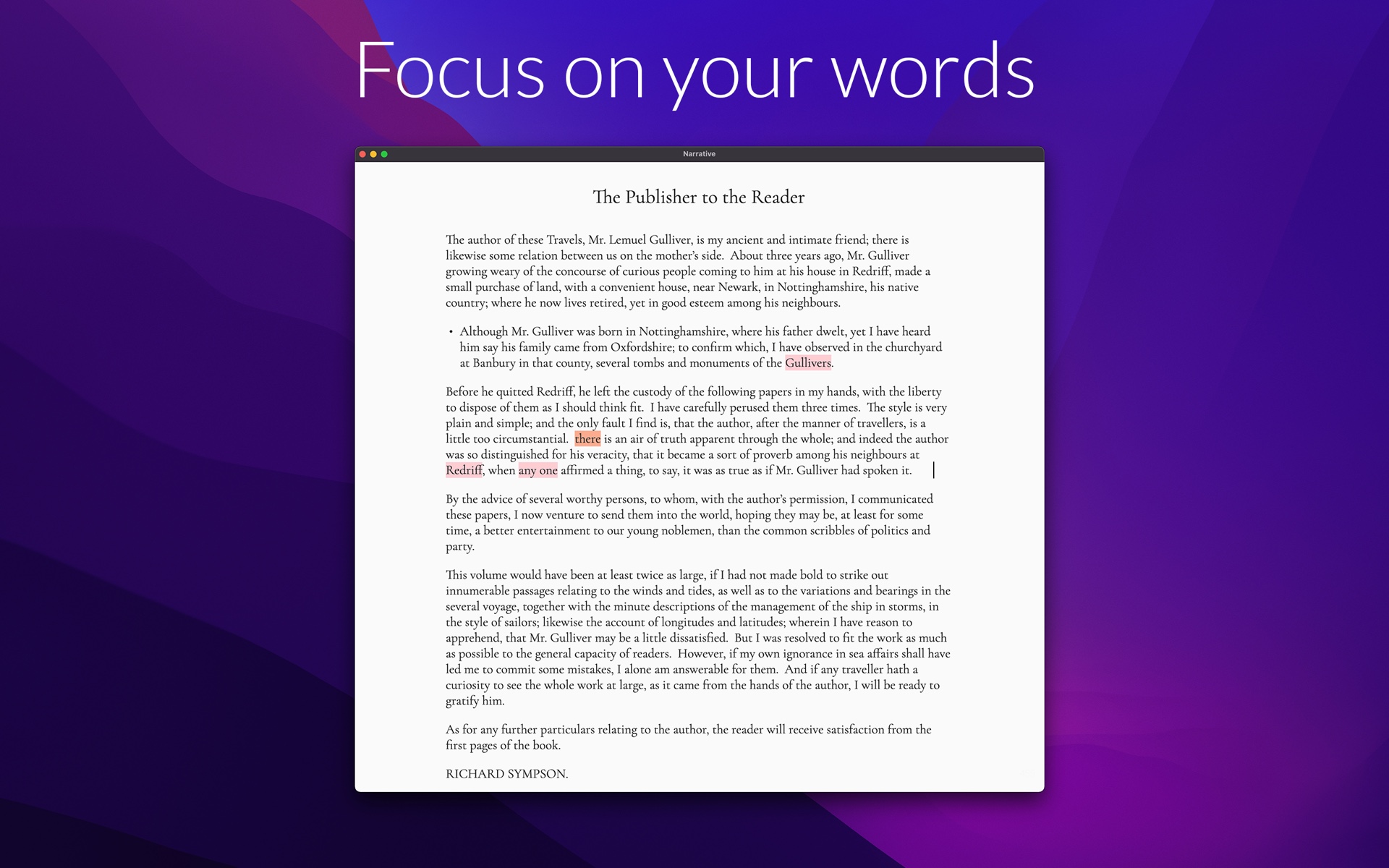
Your work saves as you type and syncs to every device in real time, so the novel you started at your desk is waiting on your phone when inspiration strikes on the bus. Set a word count goal and the app quietly tracks your daily words, your most productive hours, and your long-term trends — motivation without gamification. And because it’s built for books, not notes, your chapters stay organized with notes attached to the project or the chapter you’re working on.
Try it on your next writing session
The right test of a distraction-free writing app isn’t a feature list — it’s a real writing session with your real manuscript. Narrative’s 14-day free trial is fully functional on every platform, with no credit card required. Import your work-in-progress as DOCX or TXT, set a word count goal, and see what a calm page does for your word count.
Start your novel today
Free 14-day trial on every platform — fully functional, no credit card required. Unlimited access for $5/month.