You’ve done it. The draft is finished, the revision is done, and your novel finally reads the way you always hoped it would. Now comes the step that turns a private project into a published book: getting your manuscript out of your writing app and into a file the world can read.
For almost every ebook store and reading app, that file is EPUB. You can export your novel to EPUB in moments — no conversion services, no fiddly formatting, no expensive software.
What is EPUB — and why it’s the standard
EPUB is the standard ebook format for everything that isn’t a printed page. Unlike a PDF, which freezes your layout, an EPUB adapts text to any screen size, and readers can change the font, text size and margins to suit their eyes.
That flexibility is why the whole industry settled on it. Apple Books, Kobo, Barnes & Noble and Google Play Books all accept EPUB, and Amazon Kindle — the last holdout with its own formats — now accepts EPUB too, both through Send to Kindle and KDP. Convert your manuscript to EPUB once and you can reach essentially every ebook store on earth.
DOCX hasn’t gone anywhere, though. It remains the standard for editors, agents and beta readers — anyone who needs to comment, track changes or mark up your text.
Think of it this way: DOCX is the working format, EPUB is the publishing format — and a web link is the sharing format, for when you just want someone to read something now.
Get your manuscript export-ready
An export is a snapshot of whatever your manuscript looks like today — every typo included. A few minutes of preparation makes the difference between an ebook that looks professional and one that embarrasses you.
- Proofread first. Typos you fix after publishing mean re-exporting and re-uploading everywhere. Run a full pass before you export — our guide on how to proofread your own novel shows you how.
- Clean up your chapter structure. Every chapter should start as a real chapter heading, so the ebook’s automatic table of contents builds itself correctly.
- Move working notes out of the text. Scene ideas and reminders typed between paragraphs will end up in the ebook. Keep them in your app’s project or chapter notes instead, where they belong.
- Keep formatting consistent. The same paragraph and heading style throughout converts cleanly; a patchwork of manual formatting converts into a patchwork ebook.
Export your novel from Narrative
When your manuscript lives in Narrative, exporting is the least dramatic part of the whole process. Whenever you’re ready — after the final proofread, or every Friday for your beta readers — you can export your novel to EPUB, DOCX or TXT with a tap. Your work is never locked in: the app stores your book, but the files are yours, in standard formats, at any moment.

Draft your novel in Narrative
Narrative is a distraction-free novel writing app: a minimalist editor with focus mode and dark mode, real-time sync across iPhone, iPad, Mac, Windows, Android and web — offline too — word count goals with daily, weekly and monthly statistics, and notes attached to your project or chapters. No AI generators: your draft stays entirely yours.
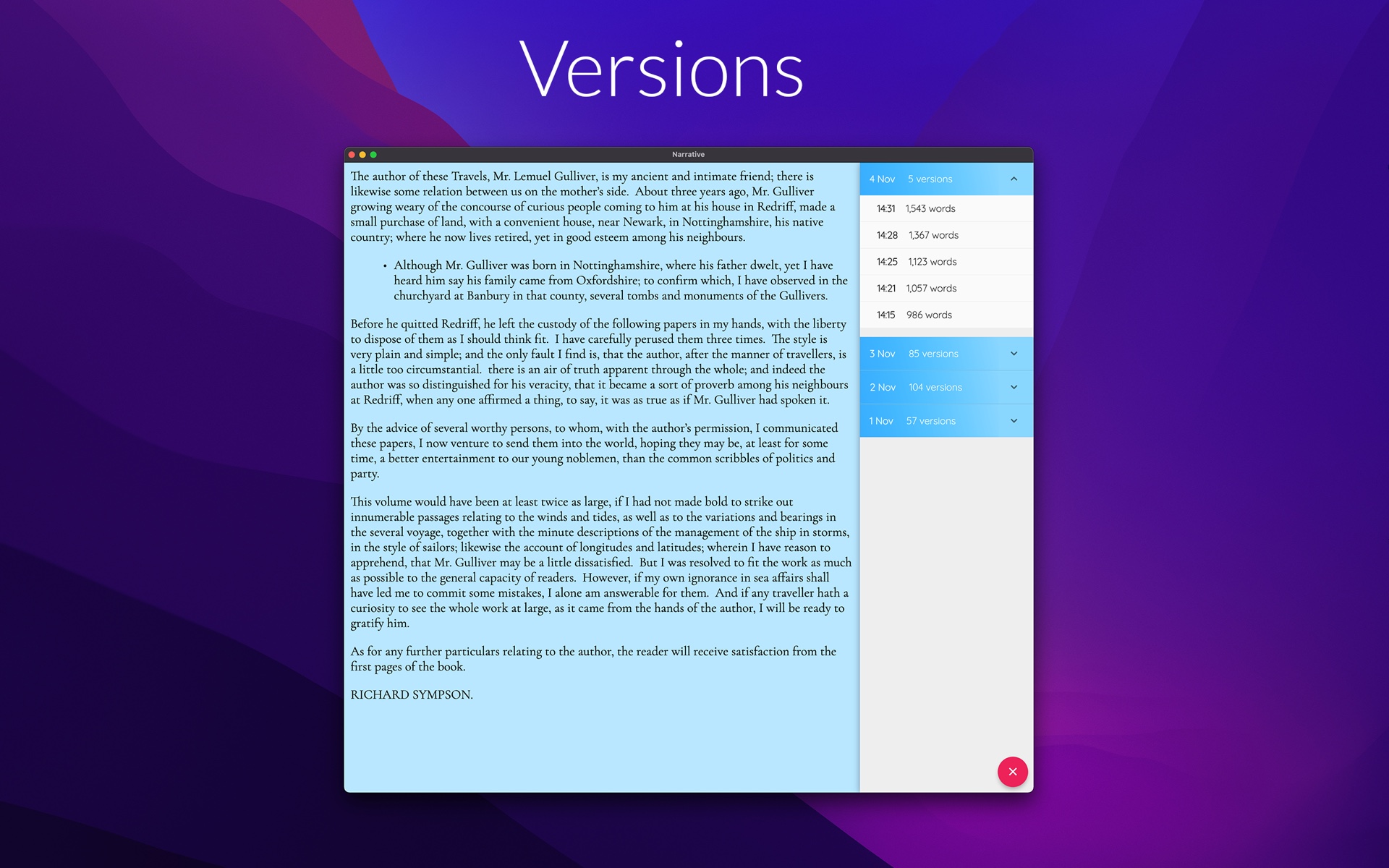
Start NowTwo safety nets run quietly in the background while you write. Automatic version snapshots mean you can always go back to an earlier draft. And with optional backups to Dropbox or Google Drive turned on, Narrative saves a DOCX copy of your manuscript after every writing session — so even your backup is already in the format your editor wants.
Which format for which purpose
Each export format has a job. Choosing is easy once you know which is which:
- EPUB — for ebook stores and reading apps. This is the file you upload to KDP, Apple Books, Kobo and the rest, and the file you send friends who want to read on their phone or e-reader.
- DOCX — for people who work on your text. Editors, agents, beta readers and print layout tools all expect it. If someone will comment on or change your words, send DOCX.
- Web link — for sharing, not selling. When you just want someone to read your work now - press publish and send them the link.
- TXT — for maximum compatibility and plain archiving. No formatting at all, readable by everything, forever.
Not sure which to pick? In Narrative, exporting costs you nothing but a tap — so try them all.
After export: the publishing checklist
You have an EPUB file. Before it goes live, run through this short checklist:
- Validate the EPUB. Run the file through a free EPUB checker such as EPUBCheck to catch structural errors that stores would reject.
- Test on a real device or app. Open the file in Apple Books, Kindle Previewer or on your phone. Check the chapter breaks, the table of contents and how the text reflows.
- Add your cover image and metadata. Title, author name, description and categories are how readers find you — fill them in before upload.
- Sort out the ISBN where required. Some stores provide a free one; others let you bring your own. Check your chosen store’s policy.
- Upload to your chosen stores. Create your accounts, upload the EPUB, set your price — and publish.
From draft to ebook on your own terms
Publishing used to mean handing your manuscript to a chain of gatekeepers and hoping. Today it’s a checklist you can finish in an afternoon — and the only genuinely hard part is the one you already did: writing the book. Keep your manuscript in an app that lets you write, proofread and export in one place, and the path from draft to ebook stays short, calm and entirely on your own terms.
Start your novel today
Free 14-day trial on every platform — fully functional, no credit card required. Unlimited access for $5/month.