You already own the most convenient writing device ever made — it’s in your pocket right now. The idea that you can write a book on your phone sounds like a compromise until you do the math: the commute, the queues, the waiting rooms, the ten minutes before an appointment add up to hours every week. A novelist with a phone has a writing studio that’s always open.
This guide shows you how to set that studio up properly: a workflow that separates drafting from editing, the settings that make a small screen comfortable, and the habits that turn stolen minutes into a finished manuscript.
Why phone drafting works better than you think
Dead time adds up faster than most writers expect. Twenty minutes a day at a modest pace is a few hundred words; across a year, that’s a full-length draft. You don’t need more discipline or more free time — you need your manuscript within reach during the time you already have.
There’s a second, quieter advantage: no ceremony. A desk setup comes with ritual — the coffee, the chair, the mental preparation — and ritual is a form of resistance. Every step between “I could write” and actually writing is a chance not to write. On a phone, the distance is one tap.
And then there are the ideas themselves. Dialogue overheard on the train, the opening line that arrives at midnight — when you can write a novel on your phone, ideas get captured the moment they appear instead of being trusted to memory and lost.
Set your phone up for serious writing
A phone is a general-purpose distraction machine — but a few deliberate choices turn it into a real writing tool:
- One dedicated writing app on the home screen. Not a notes app, and not a documents app buried in a folder — one writing app for phone drafting, front and center, so starting is frictionless.
- Turn notifications off before a session. A single banner can cost you the thread of a scene. Before you begin a proper session, disable notifications in your phone settings.
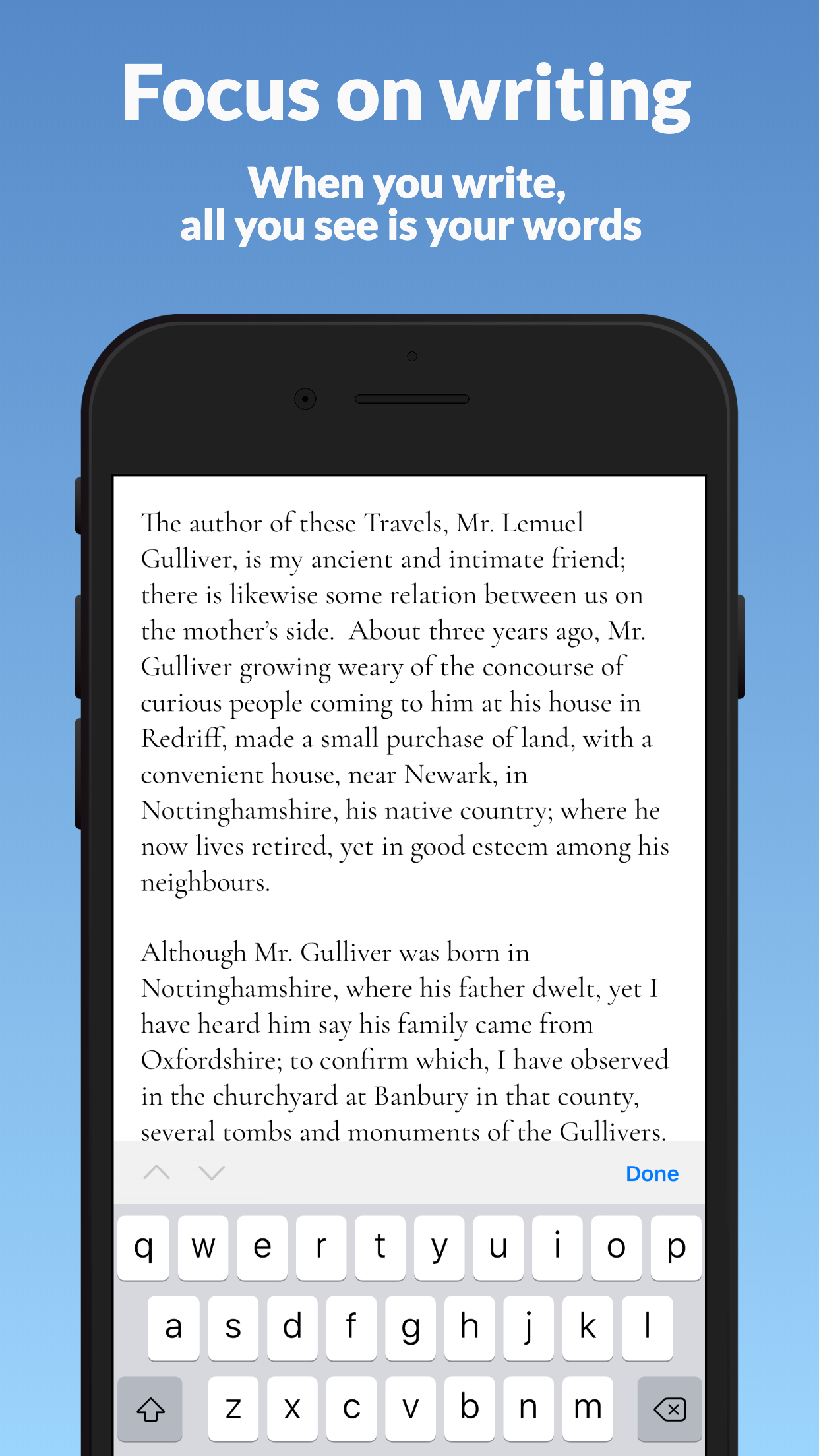
- A true focus mode. The best writing apps fade their own interface out while you work, so all you see is your words — even on a six-inch screen.
- Customizable fonts. Small-screen comfort is personal. Adjust typeface and size until reading back your own prose feels easy; squinting is a distraction too.

Draft your novel in Narrative
Narrative is a distraction-free novel writing app: a minimalist editor with focus mode and dark mode, real-time sync across iPhone, iPad, Mac, Windows, Android and web — offline too — word count goals with daily, weekly and monthly statistics, and notes attached to your project or chapters. No AI generators: your draft stays entirely yours.
Start NowDraft on the phone, craft on the big screen
The workflow that makes phone writing sustainable is capture versus craft. Phones are for raw words: first drafts, fragments, dialogue, the scene you finally figured out while standing in line. Big screens are for revision — restructuring chapters, tightening prose, the slow craft work that benefits from distance and a full keyboard.
This handoff only works if it’s invisible. If you have to email yourself files or remember to press “sync,” the system collapses within a week. Real-time sync solves it: you can start a sentence on your phone on the bus, and it’s waiting on your desktop when you sit down at home.
It doesn’t matter which device you use — iPhone, iPad, Android, Mac, Windows or a web browser — one subscription, one manuscript, everywhere you write.
Write offline: flights, subways, dead zones
Much of the best phone-writing time happens exactly where there is no signal: airplanes, subways, rural trains, basement cafés. A writing app that needs a connection becomes useless the moment the bars disappear — so choose one that saves locally and syncs later.
In Narrative, your words live on the device first and in the cloud second. Everything you type is saved locally the instant you write it, airplane mode or not, and syncs automatically when a connection returns. No lost paragraphs, no conflict dialogs, no “reconnect to continue.” The dead zone becomes just another place your book gets written.
Phone-writing habits that add up to a book
Tools get you started; habits get you finished. Three that work especially well on a phone:
- Same time every day. Anchor drafting to something that already happens — the morning commute, lunch, the last twenty minutes before sleep. A fixed slot removes the daily negotiation about when to write.
- Set word count goals and watch your stats. A daily goal turns “write a book” into “write 300 words today.” Narrative tracks your daily words and your most productive hours, so progress stays visible even when the finish line isn’t.
- Keep notes for midnight ideas. Inspiration rarely arrives during writing time. Attach notes to your project or a specific chapter the moment an idea strikes, and tomorrow’s session starts with material instead of a blank page.
Privacy on a shared or lost phone
A manuscript is private in a way email isn’t — unfinished work is vulnerable work. If you share a phone with family, hand it to a kid for games, or simply worry about losing it, there’s a simple safeguard: sign out.
In Narrative, signing out removes your writing from the device entirely. Nothing is left behind for anyone to browse. When you sign back in — on that phone or any other — your manuscript downloads fresh from the cloud, exactly as you left it. Your book belongs to your account, not to a piece of hardware you can leave in a taxi.
Your novel is already in your pocket
Your phone is already there for the commute, the queue and the quiet minutes before sleep — your novel should be too. Set it up once, build one small habit, and a year from now you could be holding a finished draft.
Start your novel today
Free 14-day trial on every platform — fully functional, no credit card required. Unlimited access for $5/month.