Write your novel in a calm, focused space.
Narrative is the distraction-free writing app that syncs your book across phone, tablet, desktop and web — with word count goals, proofreading and version history. No AI generators. No pop-ups. Just your words.
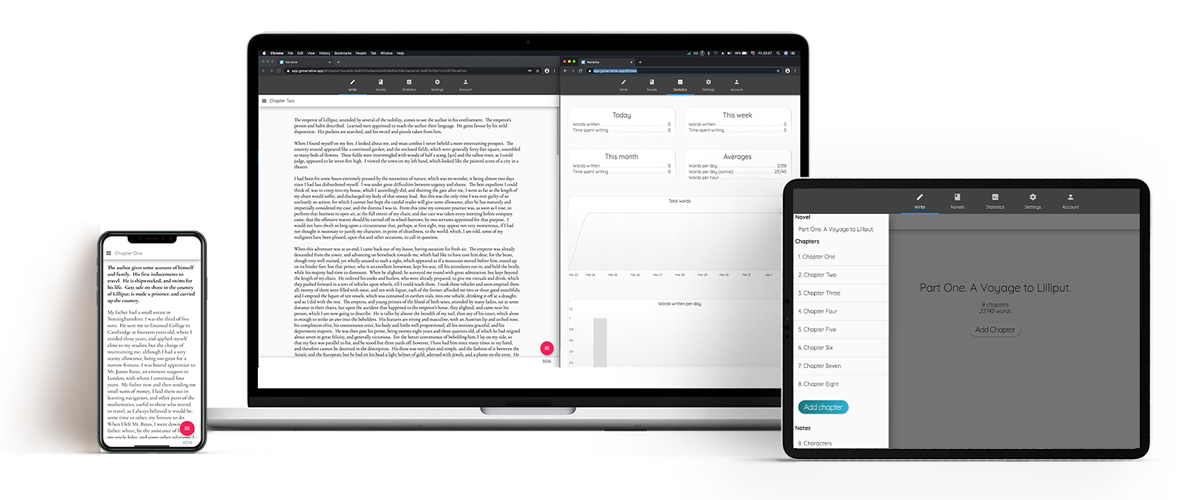
One app, every device you write on
Start a chapter on your phone, continue on your laptop, edit on your tablet. One subscription unlocks Narrative everywhere.
iPhone, iPad & Mac
Free on the App Store. Requires iOS 15.6 or later. 4.4★ rated by writers.
Android
Free on Google Play for Android phones and tablets. Syncs with every other platform.
Google Play →Windows
Free from the Microsoft Store. A fully-featured desktop app for your PC.
Microsoft Store →Web Browser
No install needed. Open Narrative in any modern browser and keep writing.
Web app →Every download includes a fully-functional 14-day free trial.Subscribe from $5/month for unlimited access on all platforms.
Designed to disappear while you write
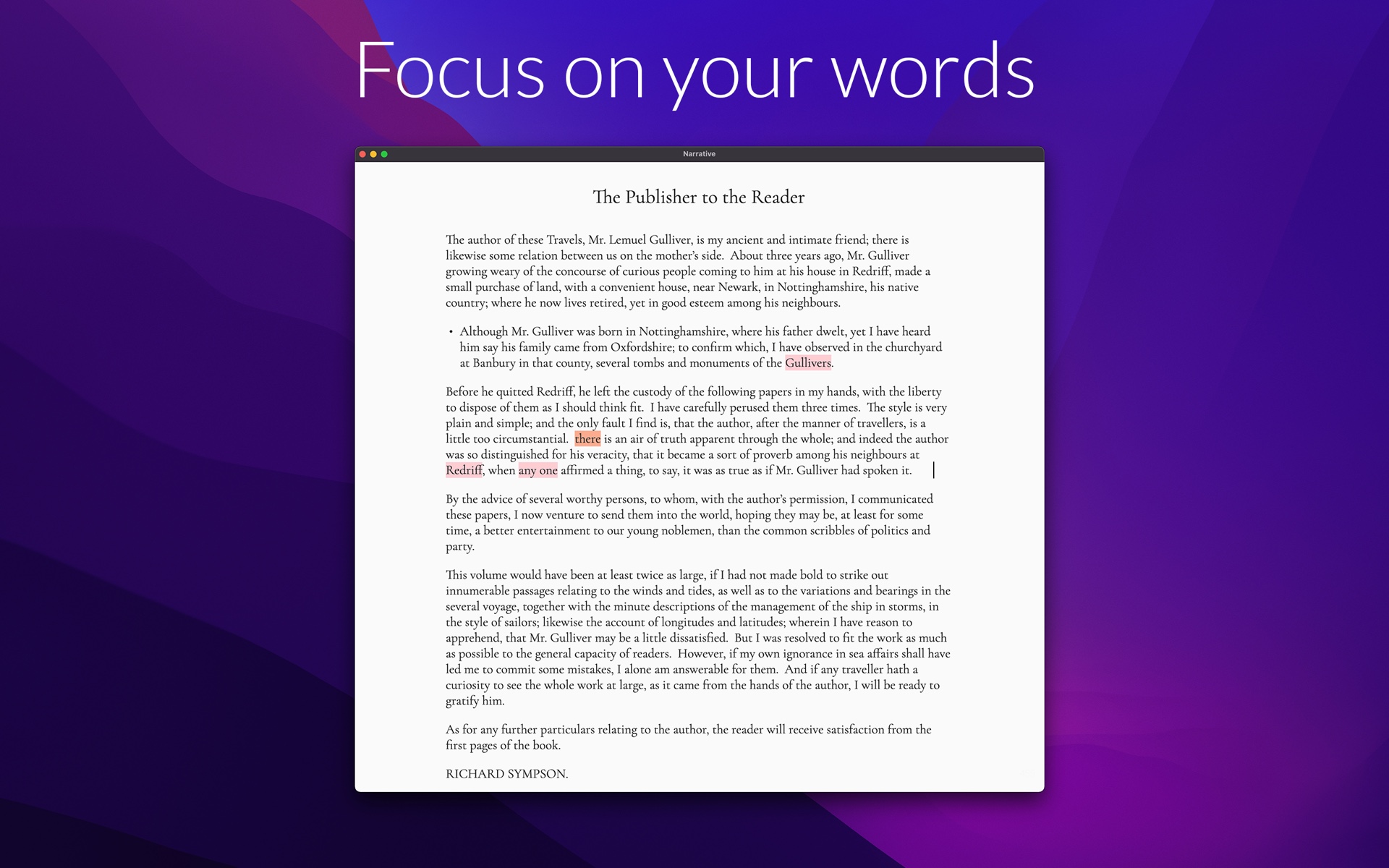
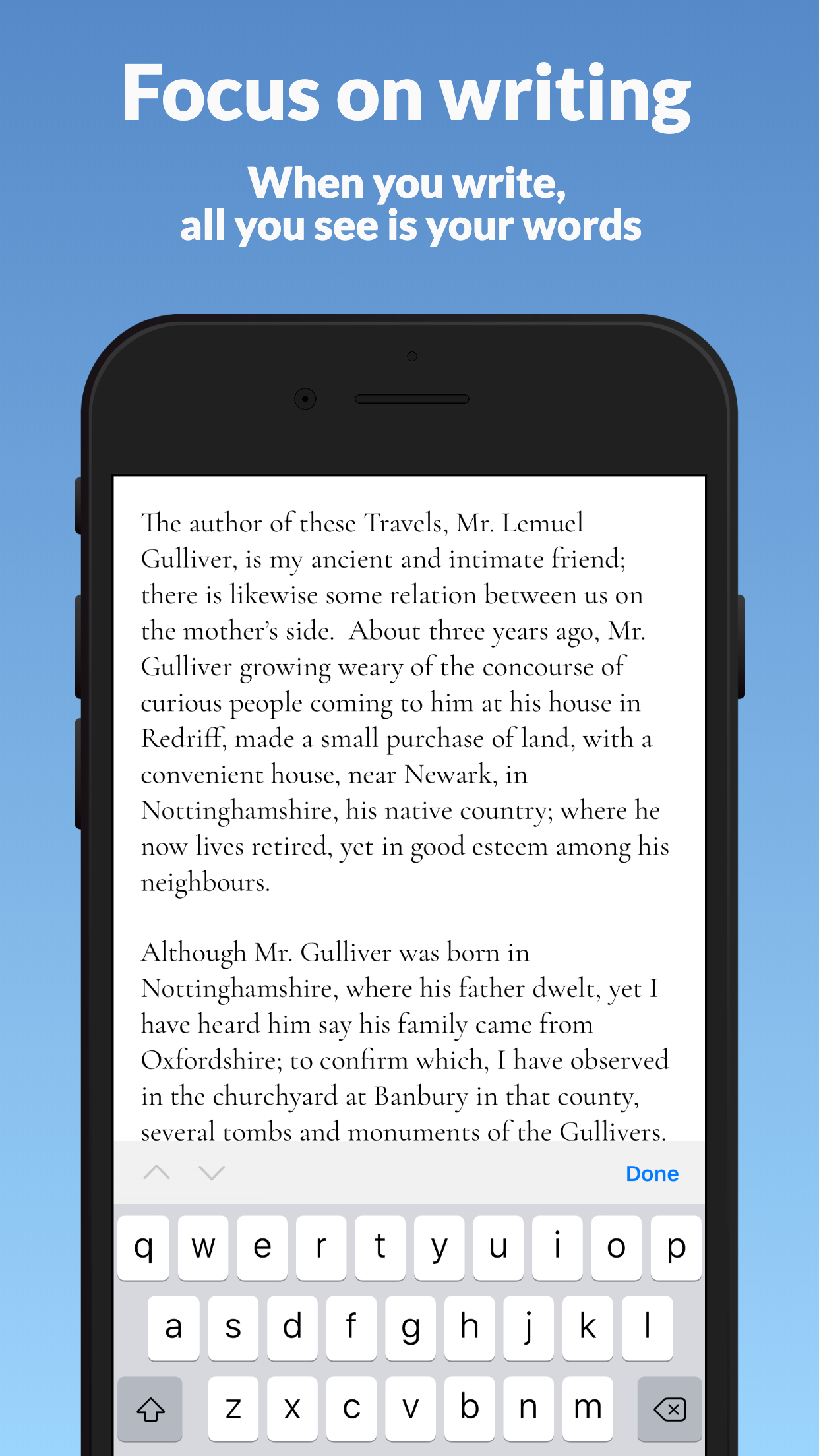
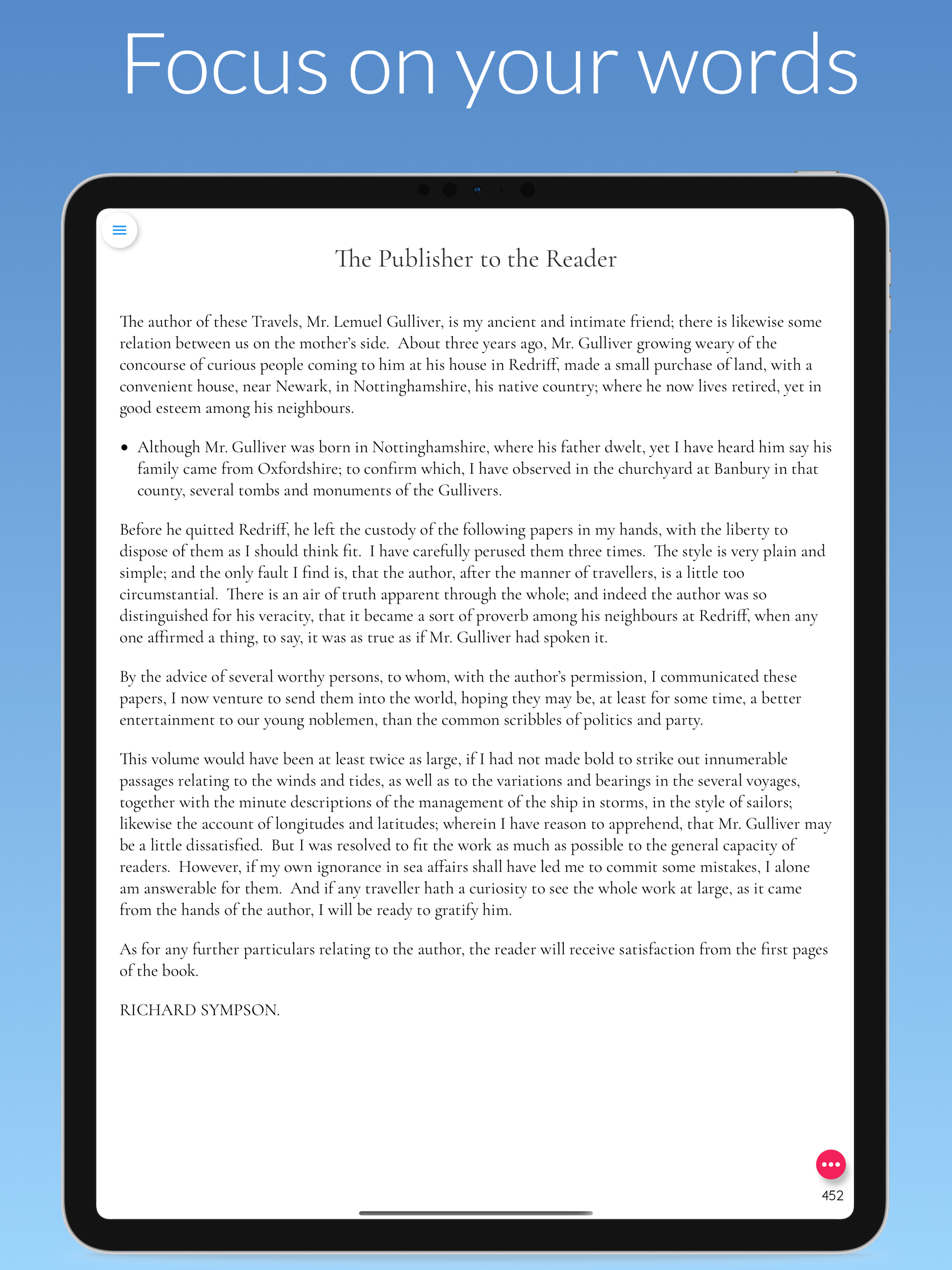
A clean, minimalist interface with focus mode, dark mode and customizable fonts. No pop-ups, no productivity pressure — just room to think.
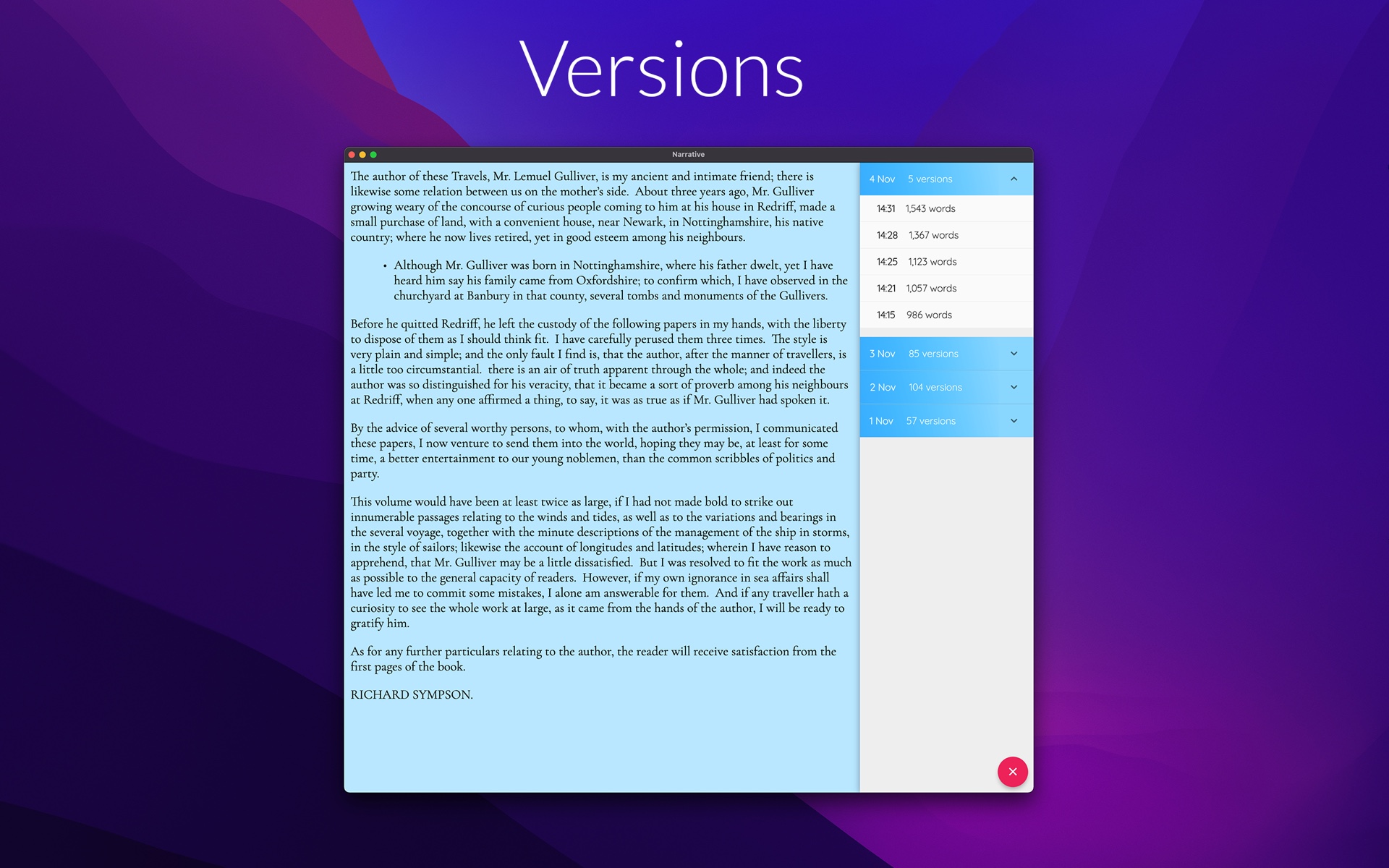
On your Desktop
The flagship Narrative experience — a full-size, focused writing desk.
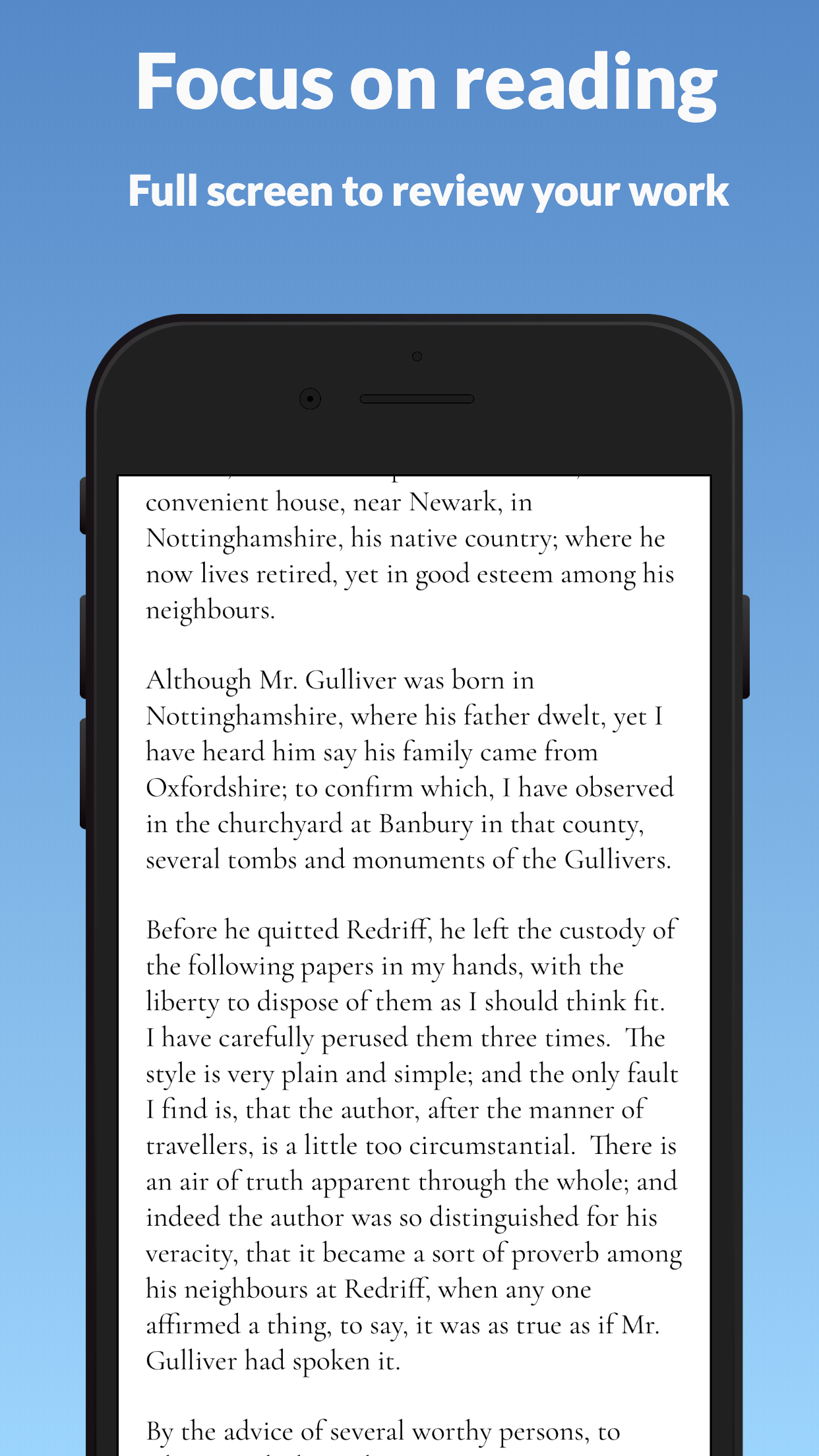
On iPhone & iPad
The same book, in your pocket and on the sofa — synced in real time.
From first idea to finished manuscript
Narrative handles the saving, syncing and tracking — you handle the writing.
Start your book in minutes
Download the app, create your first project and begin with a clean page. Already writing somewhere else? Bring your work-in-progress with you.
- Free 14-day trial on every platform — no credit card required
- Import existing manuscripts from DOCX or TXT
- Attach notes to your whole project or individual chapters
Write anywhere — never lose a word
Your work saves as you type and syncs to the cloud in real time, typically sub-second. Works fully offline too, syncing again when you are back on a network.
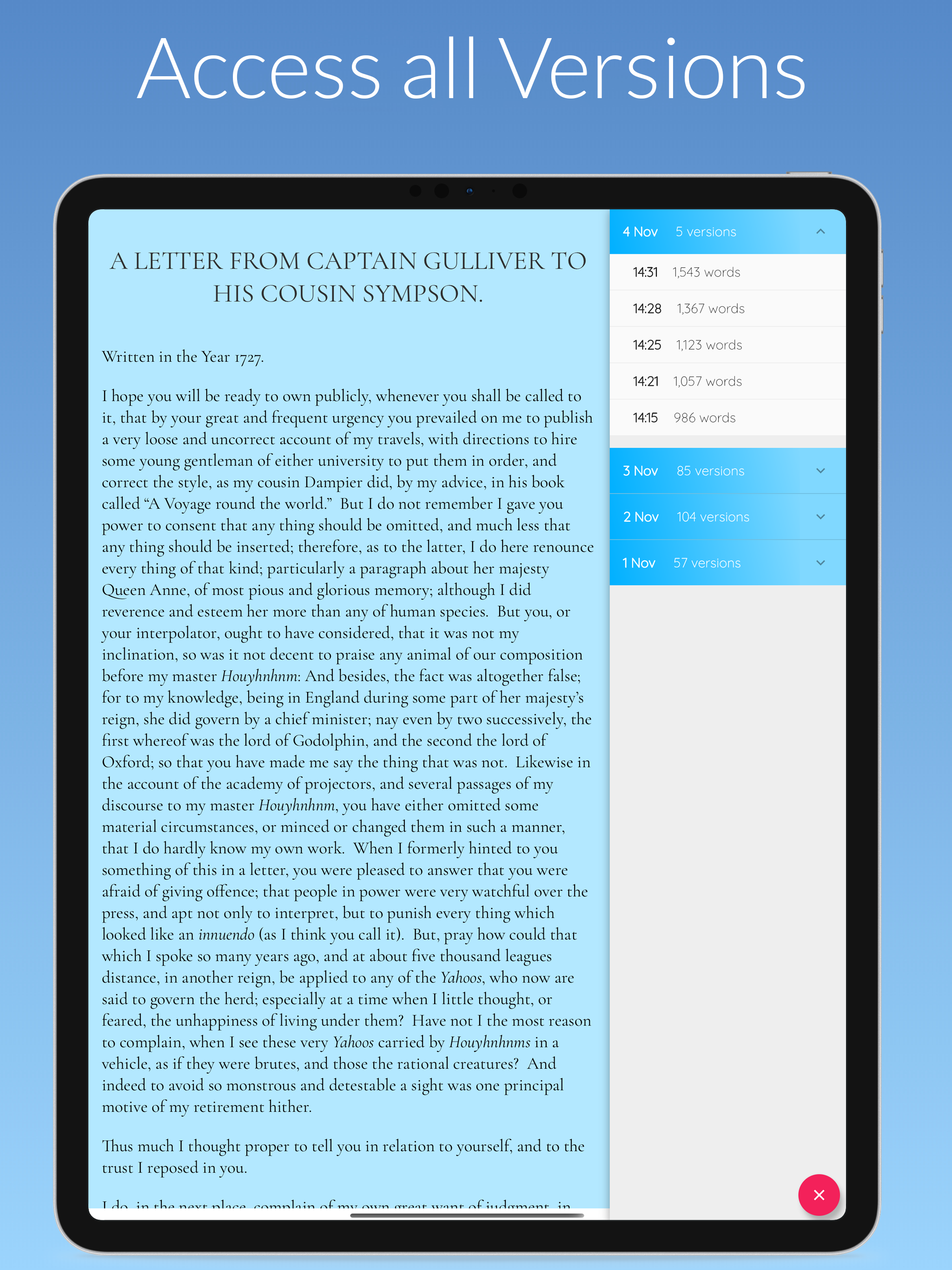
- Automatic version snapshots protect every draft
- Optional backups to your own Dropbox or Google Drive
- Sign out of a shared device and your writing leaves with you
Stay motivated with goals & stats
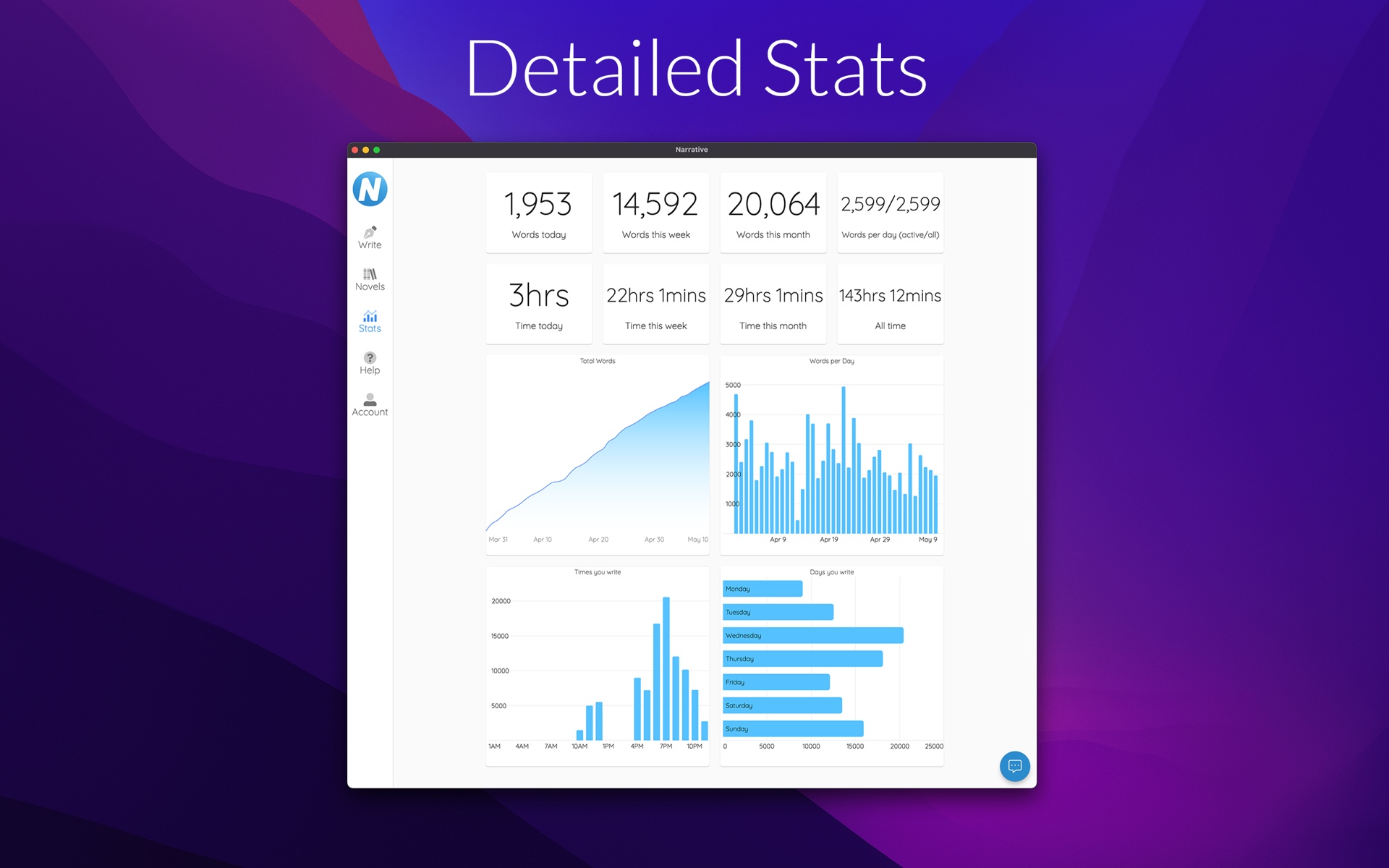
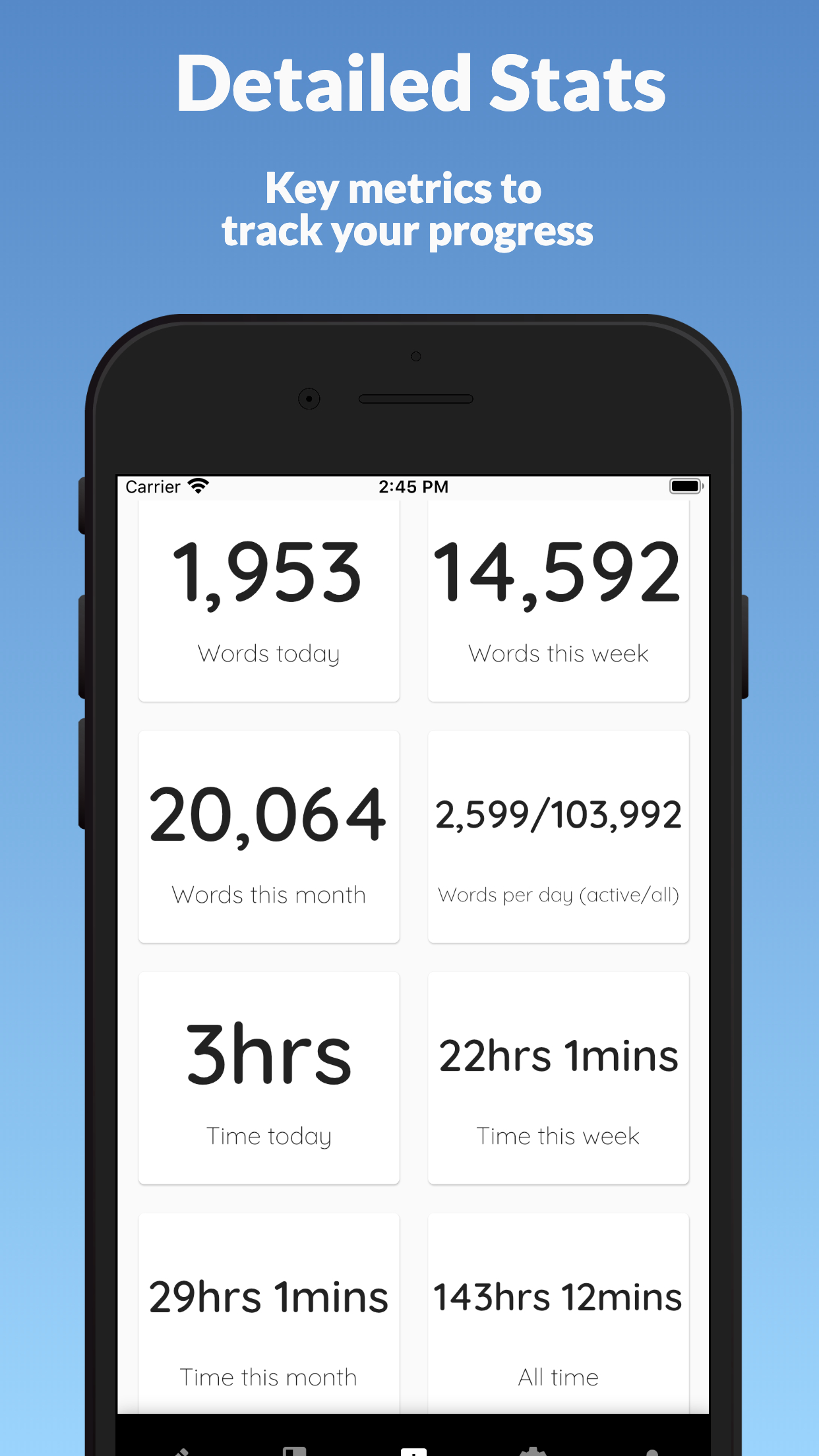
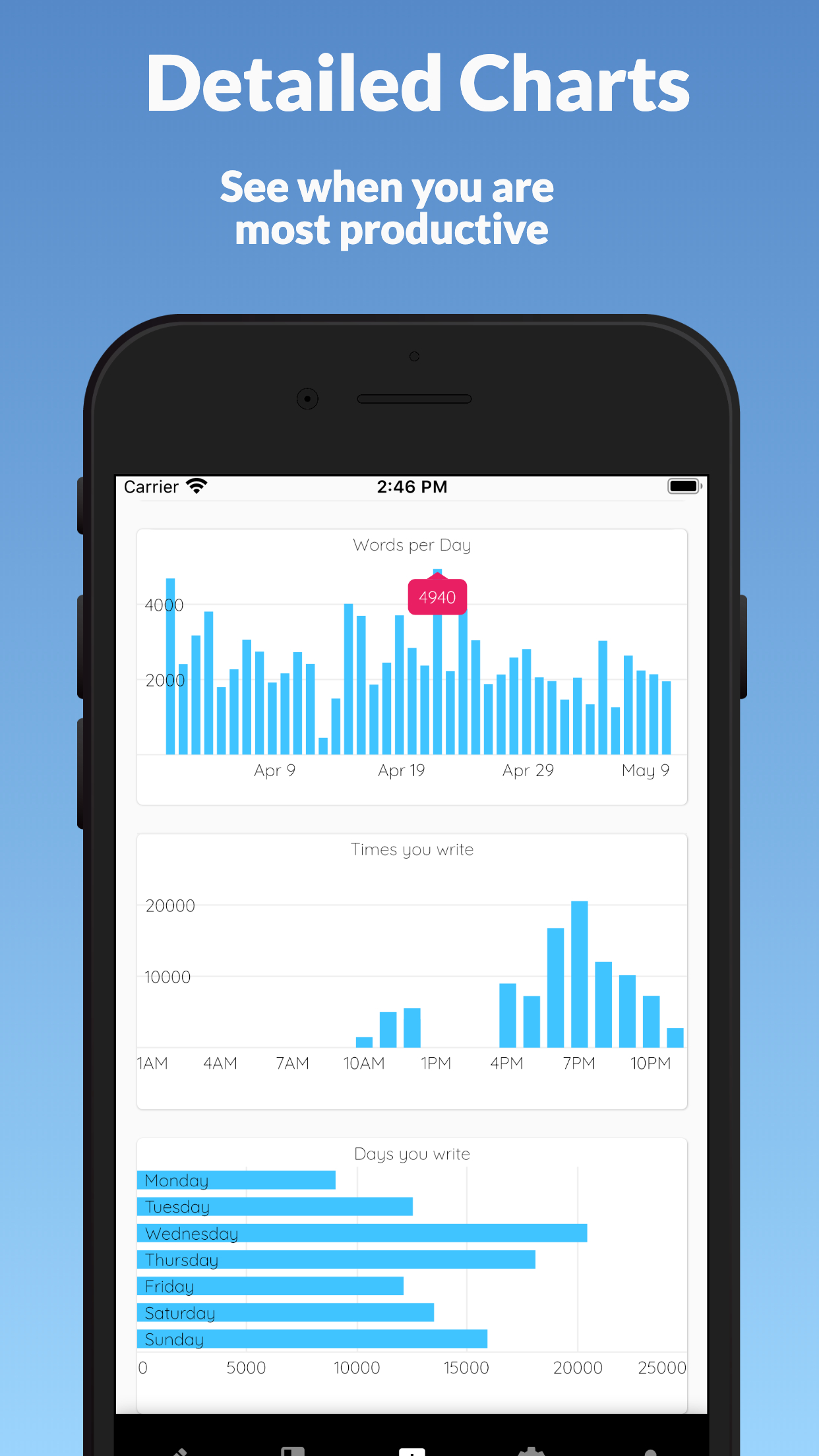
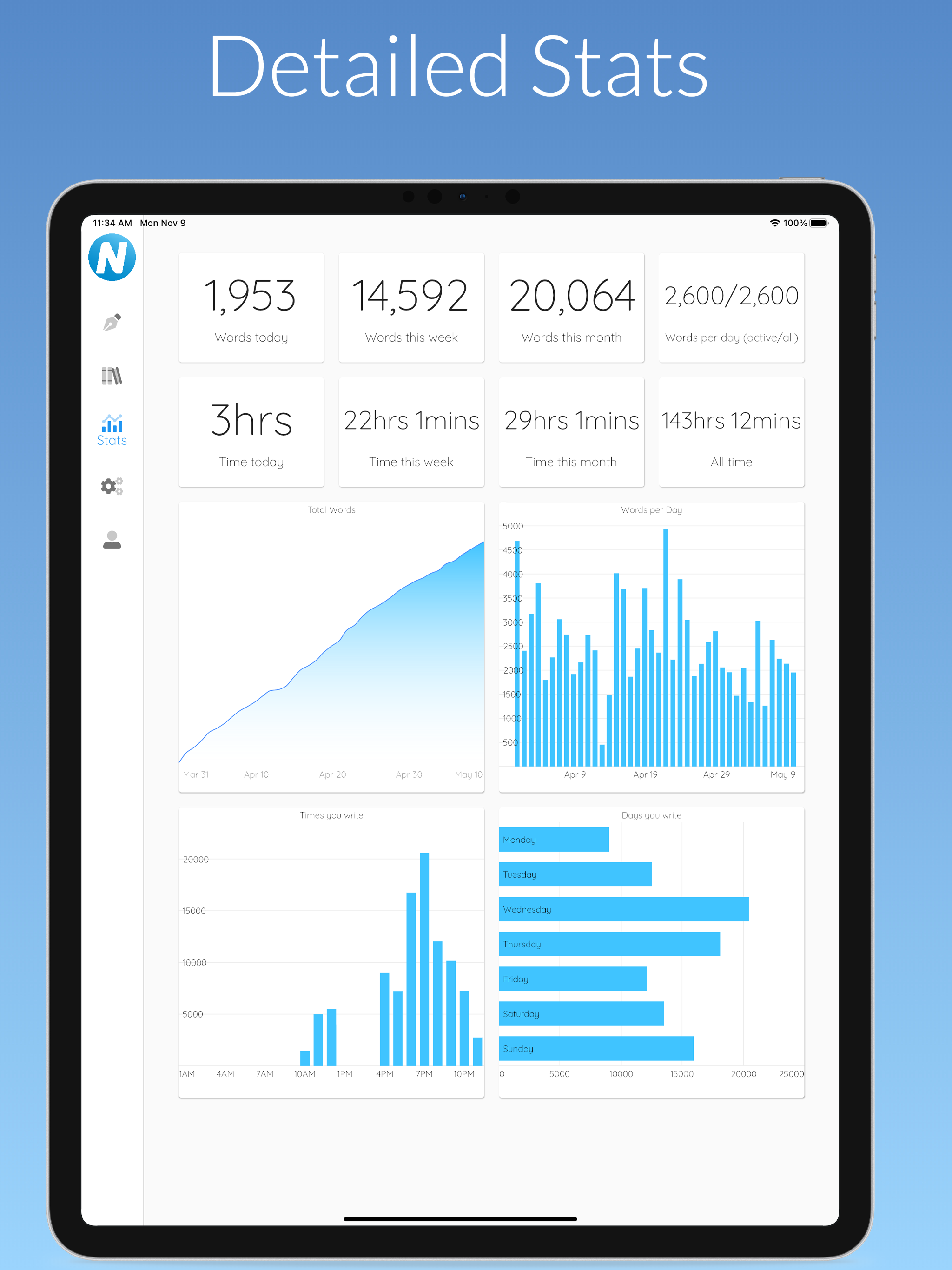
Set a word count goal and watch your progress build, one word at a time. Detailed statistics show your words per day, time spent writing, and the days and hours you are most productive.
- Daily, weekly, monthly and all-time word counts
- Charts that reveal your most productive writing habits
- Small, steady motivation for finishing what you start
Polish it, then publish it
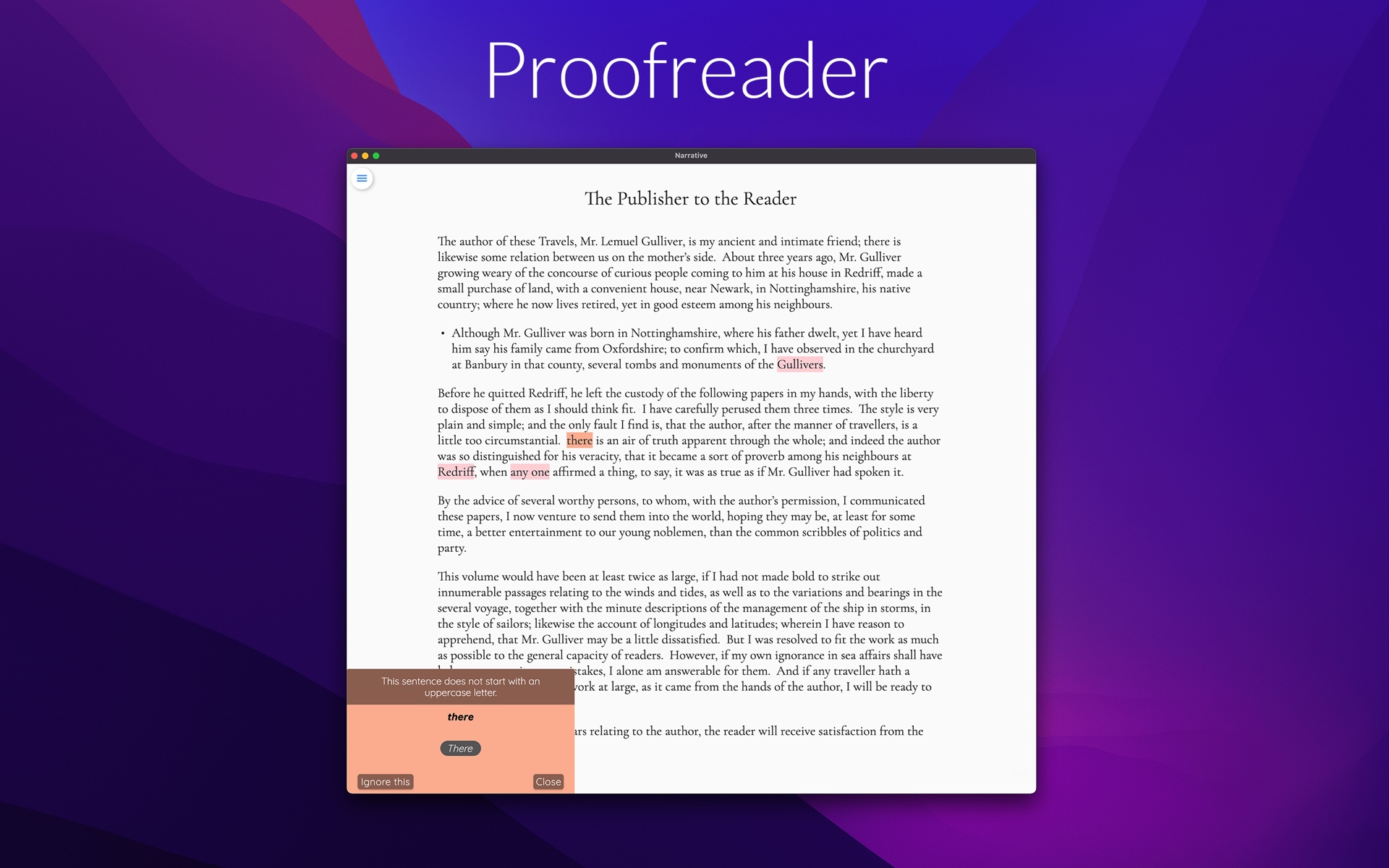
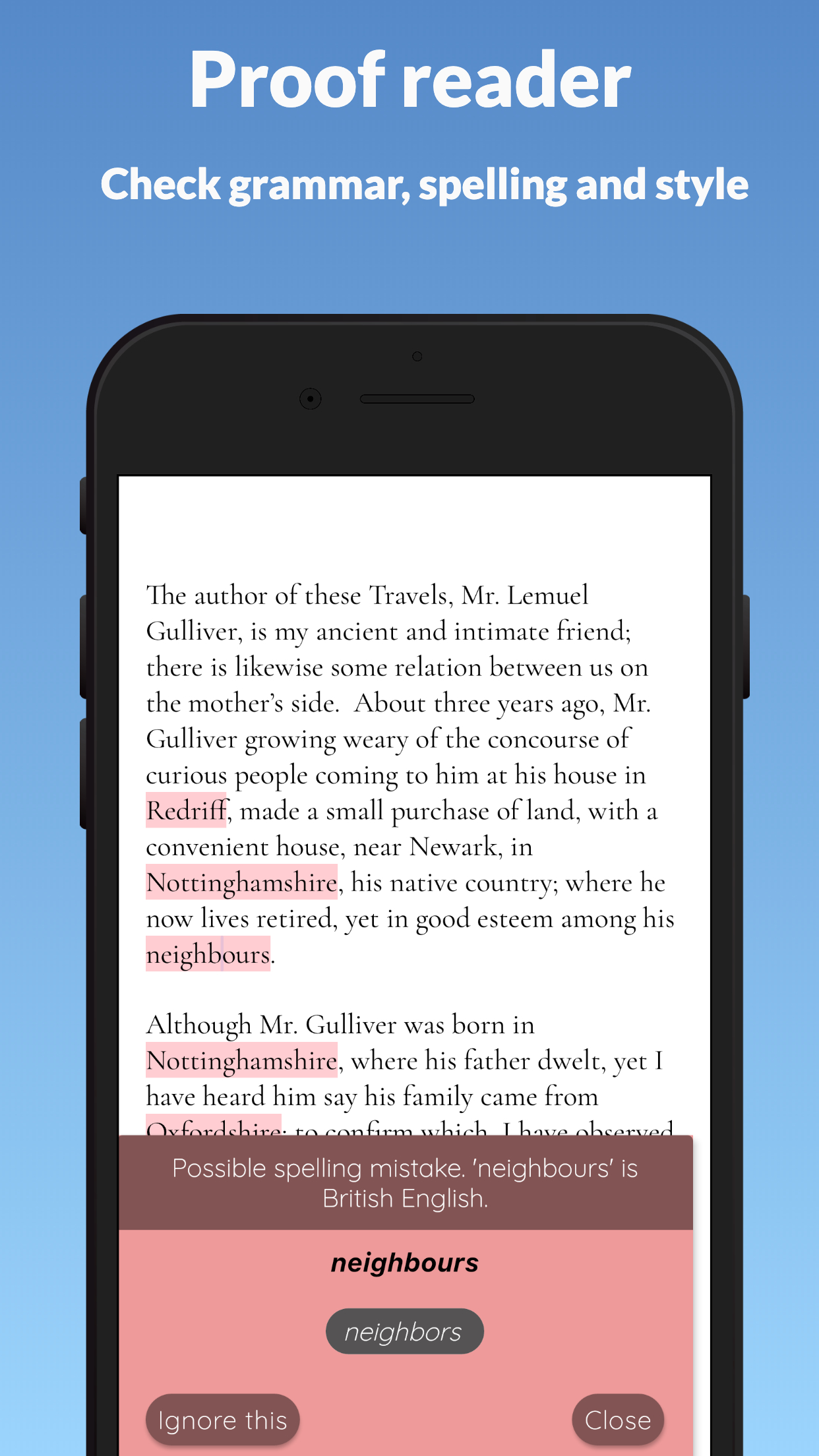
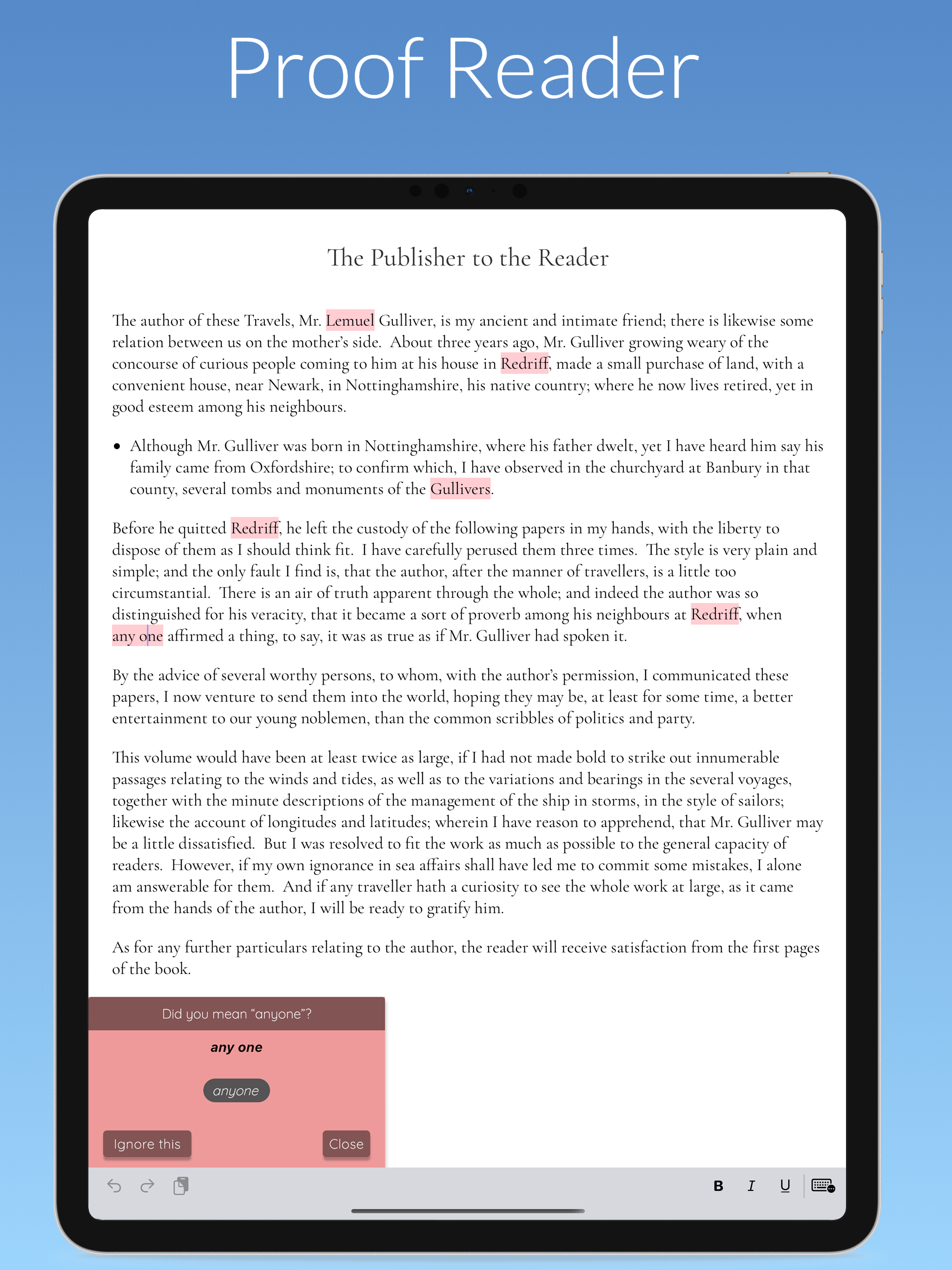
The built-in proofreader checks grammar, spelling and style in 12 languages — highlighting issues and making suggestions you are free to accept or ignore. When you are ready, export your finished manuscript.
- Proofreading that respects your voice — bend the rules freely
- Export to DOCX, TXT or EPUB for editing, sharing or publishing
- Real help from a real person in the in-app chat when you need it
Guides for every stage of your book
Practical, no-fluff guides for novelists — from starting your first draft to exporting a finished manuscript.
How to Write a Novel: A Step-by-Step Guide
The complete beginner's path from idea to finished draft — and the tools that make each step easier.
Read the guide → FocusThe Best Distraction-Free Writing App for Novelists
What "distraction-free" really means, why it works, and how to choose an app that keeps you writing.
Read the guide → SwitchingLooking for a Scrivener Alternative?
Love the idea of book-writing software but not the learning curve? A simpler, sync-everywhere option.
Read the guide → NaNoWriMoWord Count Tracker: Hit 50,000 Words
How to pace 1,667 words a day, track your streaks and actually finish a novel.
Read the guide → Mobile writingHow to Write a Book on Your Phone
Turn dead time into drafting time — and pick up mid-sentence on any other device when you sit down.
Read the guide → No AIA Writing App Without AI: Software That Respects Your Voice
Why more authors are choosing writing tools with no AI story generators — and what to look for instead.
Read the guide → RevisionHow to Proofread Your Own Novel
A practical self-editing workflow for catching grammar, spelling and style issues before anyone else does.
Read the guide → PublishingHow to Export Your Novel to EPUB
From manuscript to ebook: the simplest way to get your book out of your writing app and into the world.
Read the guide →From the blog
Product news and notes on the craft of writing.
Questions writers ask us
Everything you want to know before starting your next chapter.
What is the best app to write a novel?
The best novel writing app is one that keeps you focused and finishes books. Narrative gives novelists a calm, distraction-free editor, real-time sync across every device, word count goals and detailed writing statistics — without AI generators or productivity pressure. It works on Mac, iPhone, iPad, Windows, Android and the web. Learn more →
Is Narrative free?
Yes, you can start for free. Every account includes a fully-functional 14-day free trial on all platforms. After the trial you can subscribe from $5/month for unlimited access. One subscription covers every device you own. Learn more →
Does Narrative use AI to write my story?
No. Narrative contains no AI story generators and no algorithmic interference. It is professional writing software that supports your process and never replaces your voice — the only intelligence it offers is optional grammar, spelling and style suggestions that you can accept or ignore. Learn more →
Can I write on my phone and continue on my computer?
Yes. Narrative saves as you type and syncs to the cloud in real time — typically sub-second — so you can start a chapter on your phone and pick it up mid-sentence on your laptop, tablet or in a web browser. It also works fully offline and syncs again when you reconnect. Learn more →
Does Narrative work offline?
Yes. All Narrative apps — including the web app — work both online and offline. Your writing is saved locally on your device first, then synced securely to the cloud when you are back on a network. Learn more →
How do I track my word count for NaNoWriMo?
Narrative tracks your words automatically: set a word count goal for your project and watch daily counts, weekly and monthly totals, time spent writing and charts showing which days and hours you are most productive — everything you need to pace 50,000 words in November. Learn more →
Can I import my manuscript from Word or Scrivener?
Yes. Narrative imports DOCX and TXT files, so you can bring an existing work-in-progress from Word, Scrivener, Google Docs or any other writing tool. When you are ready to share, export to DOCX, TXT or EPUB at any time. Learn more →
How do I turn my finished novel into an ebook?
Export your manuscript straight from Narrative as an EPUB file — the standard format for Kindle, Apple Books, Kobo and every major ebook platform — or as DOCX/TXT for editors and beta readers. Learn more →
Is my writing private?
Yes. Your manuscript is yours. Narrative syncs securely to your private cloud account, and if you sign out of a shared device your writing is removed from that device. Optional automatic backups to your own Dropbox or Google Drive give you an extra copy in DOCX format after every writing session. Learn more →
Your novel won’t write itself.
But it deserves a beautiful place to be written.
Join the novelists, short-story writers and poets who write every day in Narrative — on every device they own.
Free 14-day trial · Then $5/month · Cancel anytime